
Run a visual stimulus#
On Experiments, choose
VisualStimulus(orReactionTime). The visual settings appear inside the Protocol card.Pick a Pattern and set its parameters (tables below).
Read the grey frame-quantization line: it tells you how many screen frames each cycle takes at the measured refresh rate.
If the photosensitivity warning appears, tick the acknowledgement only when appropriate. The session will not start without it.
Start. The window shows the stimulus during active trials and the background colour during sham trials and gaps. With fullscreen ticked, the window goes fullscreen for the session and returns afterwards.
Press Esc at any time to stop.
Patterns#
| Pattern | What is shown |
|---|---|
| Solid | Colour A for the whole trial. |
| Flicker | Alternates A and B at the temporal frequency; duty cycle is the fraction of each cycle showing A. |
| Checkerboard | Squares that swap colours (pattern reversal) at the temporal frequency. |
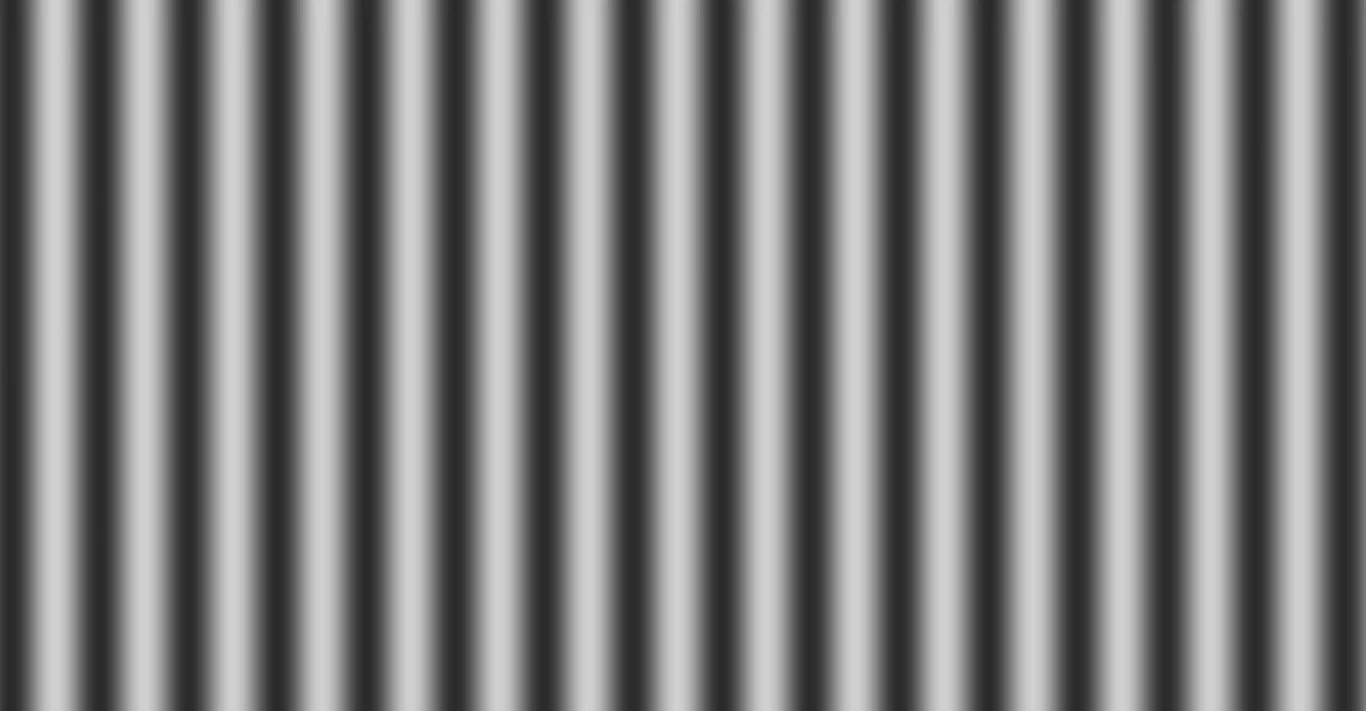
| Grating | Smooth stripes with set spatial cycles and orientation. |
| MovingGrating | Stripes drifting at the set speed (cycles per second). |
| ColorSequence | Steps through your colour list at the temporal frequency. Use + / − to add or remove colours. |
| Pseudorandom | A reproducible random A/B sequence generated from the sequence seed. |
Parameters#
| Setting | Range | Applies to |
|---|---|---|
| A, B, background colours | RGB pickers | All patterns (background between trials and on sham trials) |
| fullscreen | on / off | All |
| temporal frequency Hz | 0 – 60 | Flicker, Checkerboard, ColorSequence, Pseudorandom |
| phase (cycles) | 0 – 1 | Temporal phase offset |
| contrast | 0 – 1 | Scales A and B about their mean (0 = uniform mean) |
| duty cycle | 0 – 1 | Flicker, Checkerboard |
| spatial cycles (short axis) | 0.5 – 64 | Checkerboard, Grating, MovingGrating |
| orientation ° | 0 – 180 | Checkerboard, Grating, MovingGrating |
| drift cycles/s | −10 – 10 | MovingGrating |
| sequence seed | integer | Pseudorandom |
Frame quantization#
The display can only change on whole frames. The grey line reads, for example, 4.00 frames per cycle at measured ≈60.0 Hz repaint (exact). It turns amber when:
- the cycle is a non-integer number of frames — duty cycle and frequency are quantized to frames;
- the frequency is above half the refresh rate — the modulation aliases and cannot be rendered.
Check Hardware → Displays for the measured refresh interval and the timing statistics of the last stimulus run.
Photosensitivity acknowledgement#
Modulated patterns (Flicker, Checkerboard, Pseudorandom, ColorSequence with more than one colour, a drifting MovingGrating) at 3 Hz or faster with contrast above 0.2 show an orange warning and the checkbox I acknowledge the photosensitive-seizure risk for this stimulus. The stimulus cannot start until it is ticked. Never run such a stimulus on anyone with a seizure history.
What is recorded#
Each rendered frame is stored with its render-submit time and: trial index (−1 outside trials), active flag, time within the trial, mean digital level, pattern state and frame index. Keyboard, mouse and touch responses are captured on the same session clock.