Open a session#
Choose Session → Open Session… (Ctrl+O), or click Open Session… on the welcome screen.
Select the session-<id> folder that contains
index.sqliteand click Select Folder.The loading overlay shows each stage. Click Cancel to abort a long load.
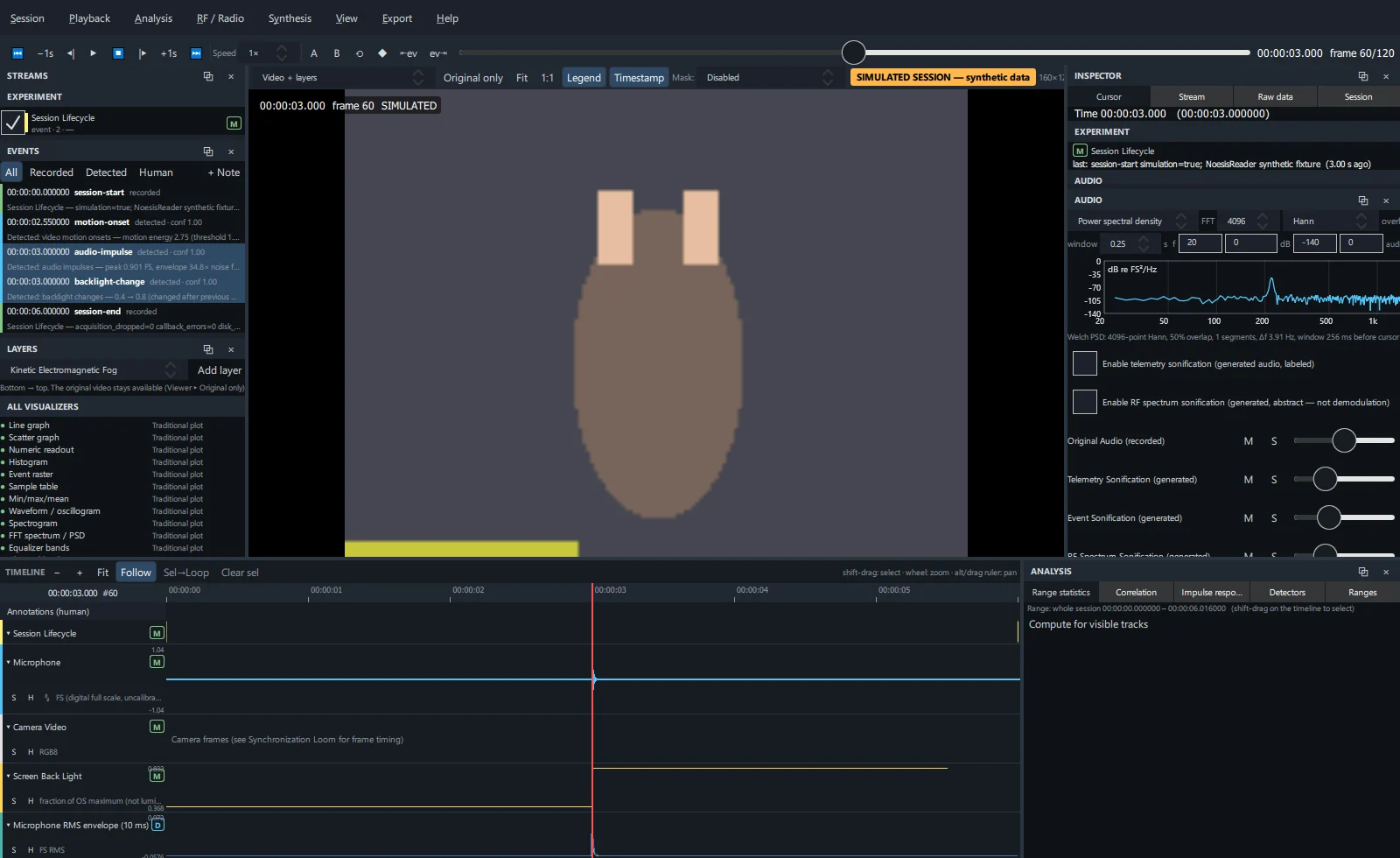
When loading finishes, the streams appear in the Streams panel and the timeline, and the cursor sits at the start.
Reopen recent sessions from Session → Open Recent, or pass the folder on the command line.
NOESISReader never modifies a recording. Sessions are opened read-only (a live write-ahead log is read through a snapshot), exports refuse to write inside the session folder, and derived data is cached separately.
Project files#
Your work is saved to session-<id>.noesisreader next to the session folder. If that location is read-only, the project goes to %APPDATA%\NOESIS\NoesisReader\projects (Windows) or the equivalent application-data folder.
| Stored in the project | Created in |
|---|---|
| Annotations | Annotations |
| Saved ranges | Analysis → Ranges |
| Track visibility, order, height, collapse and solo state | Timeline |
| Layer stack and parameters | Viewer & layers |
| RF band tracks and saved baselines | RF / Radio workspace |
| Synthesis workspace settings | Synthesis workspace |
| Compositions and composition presets | Compositions |
- Save with Session → Save Project (Ctrl+S). The project is also saved when you close the session.
- The project remembers the recording's path and fingerprint, so it reattaches when the session is opened again.
- A project written by a newer NOESISReader version is refused rather than downgraded.
Close a session#
Session → Close Session saves the project and returns to the welcome screen.
Session information#
The Inspector's Session tab shows the recording path, NOESIS schema and software version, status, experiment, duration, fingerprint, project file, cache and log locations, diagnostics and any extra metadata.
Caches#
Level-of-detail pyramids, spectrogram tiles and RF pyramids are cached to speed up large sessions. They are always regenerated from the recording; clear them with Analysis → Clear cache. The cache path is shown on the Session tab.
Sessions with missing modalities#
Streams that were not recorded are reported as Not recorded; nothing is filled in. Views that need them say exactly what is missing, and every other view keeps working.